Star Trek Fleet Command beginner guide — an Operations roadmap from 1 to 40+
Give every building, research node, officer and ship a job by planning progression around the next Operations band.
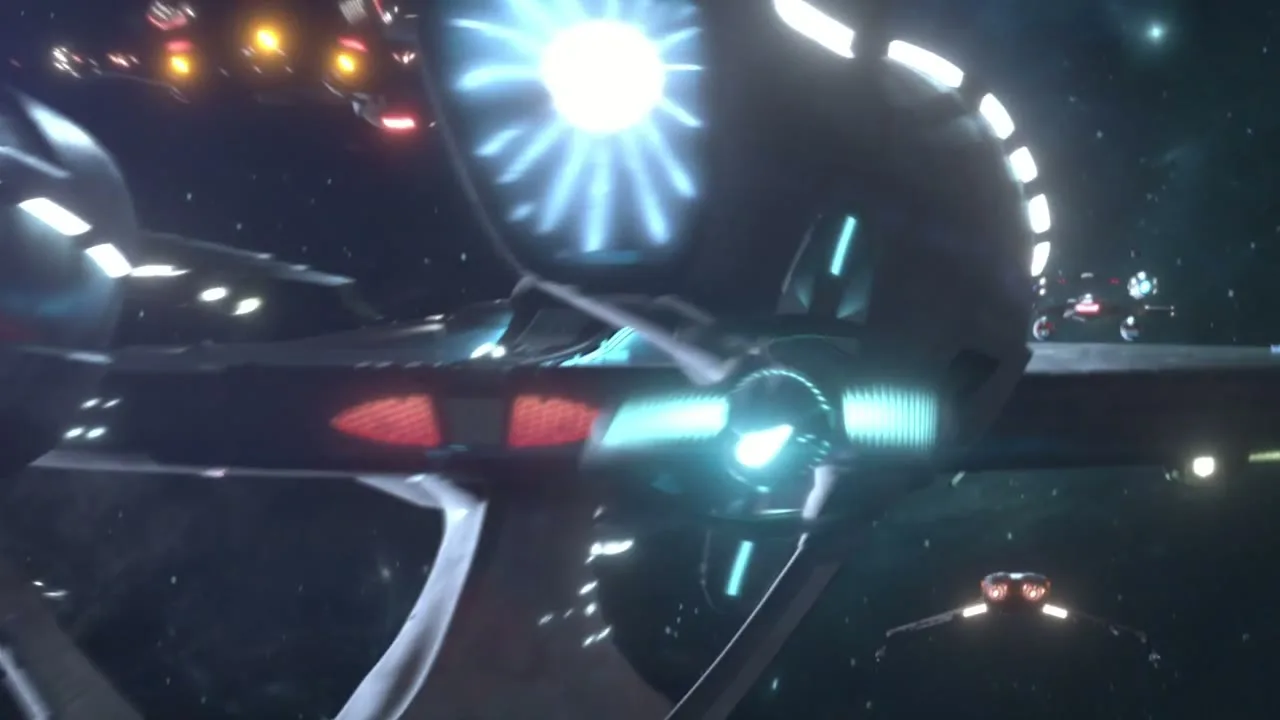
Operations 1–9: learn the station
Complete the opening missions, learn how buildings gate research and use the first ships for their intended tasks. Survey ships extract resources; Interceptors, Battleships and Explorers form a combat triangle. Start the next required building or research before spending speedups on optional upgrades.
Link the commander to a Scopely Account and record the player ID. Join an active alliance as soon as the game permits so Alliance Help reduces eligible timers and experienced commanders can explain the server's routine.
Operations 10–19: build the foundation
Choose one dependable combat hull, keep a Survey ship ready and inspect the prerequisites for the next Operations level. Save uncommon parts for the planned ship instead of distributing them across every hull. Scan before combat and compare reports against the same hostile when testing a crew.
Shield the station before leaving resources exposed. Keep inventory tokens unopened until a build or research action needs them. A token remains flexible; visible resources can become a raid target.
Operations 20–29: specialty systems begin to matter
Specialty ships start opening focused loops. D'Vor supports Latinum, Franklin supports Swarm activity, Discovery changes movement and Vi'dar begins Borg Tactical Probe progression. Develop the ship that supports the account's next real objective, not every available project simultaneously.
Faction reputation also becomes a long plan. Decide which credits, blueprints and ships matter before pushing reputation thresholds. The game becomes more rewarding when each daily action advances a named hull or capability.
Operations 30–39: specialize the fleet
Faction combat ships, Armadas and later specialty loops require stronger separation between crews. Maintain distinct hostile, Armada, mining and PvP plans. Mantis opens its Actian loop from Operations 33, while Titan-A arrives as an alliance-support project from Operations 37.
The Ascension Research Tree is relevant to Grade 3 and Grade 4 progression. Elite Federation, Klingon and Romulan hostiles at levels 30–39 require an opposing core faction ship and supply loot exchanged for Ascension Particles. Specialty ships do not substitute for the required faction counter.
Operations 40+: choose systems deliberately
At higher Operations levels, more research trees, Artifacts, ships and events compete for attention. Define the next capability—warp access, hostile efficiency, Armada contribution, station defense or faction hull—then fund the smallest set that unlocks it.
Update 94's Bulk Research can include compatible prerequisite nodes, but building levels, ships, faction reputation and different timer types can still block the chain. Review the complete cost before starting.
The rule that survives every update
Keep one progression target and one maintenance target. Progression may be a ship, research node or faction rank; maintenance covers repairs, shields and Alliance Help. Events are useful when they overlap with those goals. Ignoring an unrelated milestone is a command decision, not lost progress.
Похожие гайды
Star Trek Fleet Command Ascension Research guide — turn faction combat into account progress
Follow the Elite faction-hostile loop, choose the correct counter ship and spend Ascension Particles on the next capability your account needs.

Star Trek Fleet Command specialty ships — choose the next activity your fleet should unlock
Compare the Franklin, D'Vor, Vi'dar, Discovery, Mantis, Voyager and Titan-A by the activity each one adds to your account.
Star Trek Fleet Command alliance guide — Help, Armadas, Starbases and events
Choose a group that matches your schedule and turn daily Help, Armadas and alliance events into progress the whole fleet can use.