Star Trek Fleet Command Ascension Research guide — turn faction combat into account progress
Follow the Elite faction-hostile loop, choose the correct counter ship and spend Ascension Particles on the next capability your account needs.
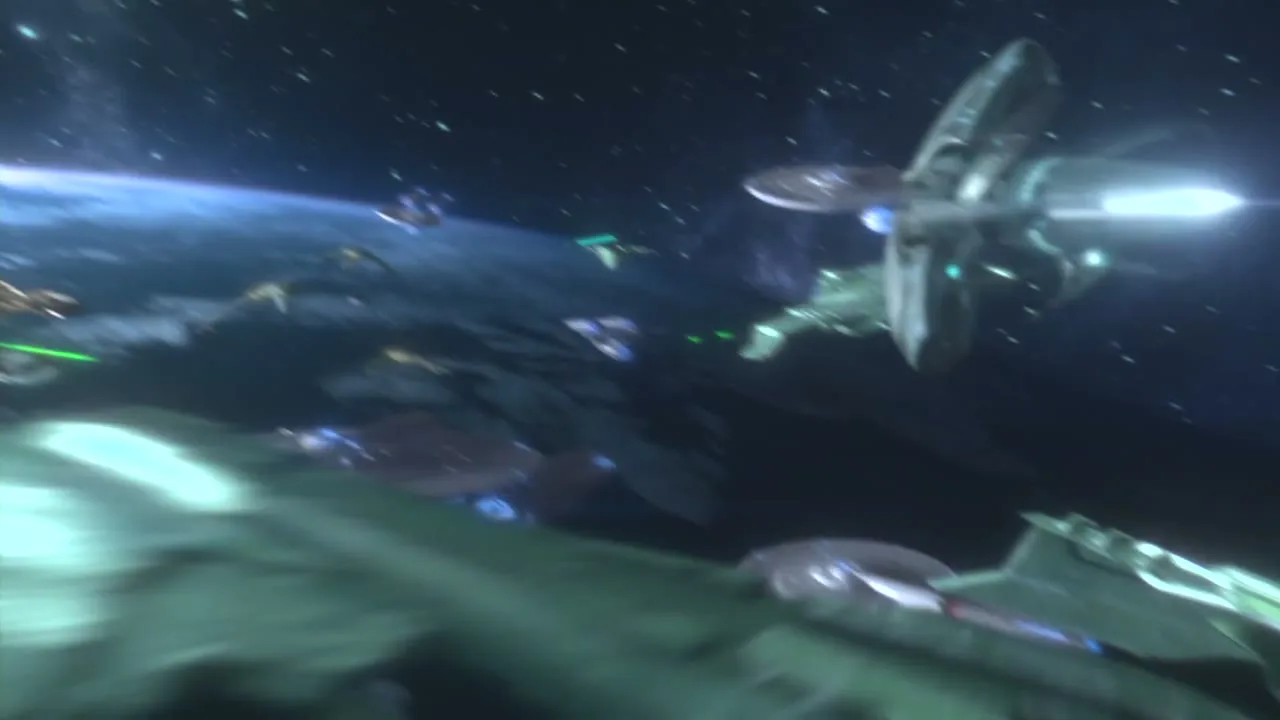
Ascension connects systems that used to feel separate
The Ascension Research Tree gives developing Grade 3 and Grade 4 commanders a clearer route through faction ships, specialty ships, crews and account upgrades. Treat it as a map of capabilities. Start with the node that solves the next practical problem, then trace its prerequisites before committing resources.
Earn Ascension Particles through Elite faction hostiles
Elite Federation, Klingon and Romulan hostiles appear in existing level 30–39 faction systems. Their loot is exchanged for Ascension Particles in the relevant faction store. The loop uses the faction combat triangle: bring the core faction ship that counters the hostile faction.
Specialty ships do not satisfy that requirement. Scan the target, confirm the hostile faction and choose the opposing core faction hull before travel. If the fight is inefficient, compare ship tier, research and crew conditions separately rather than raising everything at once.
Plan the exchange before farming
Open the faction store first and note which loot, reputation and exchange are required. Then set a measurable target: enough Particles for one prerequisite or one capability node. This prevents excess hostile farming from competing with repairs, faction credits and another ship project.
The useful sequence is simple:
- Choose the Ascension node that opens the next capability.
- Trace every prerequisite and record non-research gates.
- Identify the Elite faction hostile and its counter faction.
- Crew the required core faction ship for that target.
- Exchange the loot in the faction store.
- Recheck the full research cost before spending.
Bulk Research helps, but it does not erase gates
Update 94 added Bulk Research for compatible research chains. The feature can include eligible prerequisites, but building levels, ships, faction reputation and incompatible timer types can still stop the chain. Read the complete confirmation rather than assuming one action will finish every dependency.
What Ascension does not replace
Ascension does not replace normal station planning, faction reputation or specialty-ship progression. It coordinates them. Keep a dependable combat hull, maintain the ships that serve recurring activities and use the tree to decide which branch deserves the next concentrated investment.
İlgili rehberler
Star Trek Fleet Command beginner guide — an Operations roadmap from 1 to 40+
Give every building, research node, officer and ship a job by planning progression around the next Operations band.

Star Trek Fleet Command specialty ships — choose the next activity your fleet should unlock
Compare the Franklin, D'Vor, Vi'dar, Discovery, Mantis, Voyager and Titan-A by the activity each one adds to your account.
Star Trek Fleet Command alliance guide — Help, Armadas, Starbases and events
Choose a group that matches your schedule and turn daily Help, Armadas and alliance events into progress the whole fleet can use.